CSS
К некоторым блокам применены стили через CSS, это видно только в предпросмотре. И важно не забывать при переносе/копировании также копировать стили css, иначе некоторые блоки и детали будут отображаться некорректно.
Возможности сайта → Настройки страницы → CSS → Пользовательский CSS
Блок десктопное меню с кнопкой
Необходимо проверять, чтобы при переносе/копировании не слетал якорь (#menu). Видимость блока (только десктоп)
Желательно не более 3х-4х пунктов, чтобы на небольших экранах меню не сбивалось в две строки.
Блок мобильное меню
Обыкновенный бургер. Видимость блока (планшеты и мобильные)
Блок мобильное меню
Обыкновенный бургер. Видимость блока (планшеты и мобильные)
Главный блок с текстом, кнопкой и изображением cправа на градиентном фоне
В этом блоке скриншот — только целый экран (никаких ноутбуков). Ширина обязательно 1440px, высота приблизительная (около 700px), PPI минимум 72 (т.е. нельзя просто взять маленький скриншот 640x480 и растянуть его до 1440px). Без теней и скругленных краев, это добавляется через CSS.
Bitrix24. Your ultimate workspace







Tasks & Projects
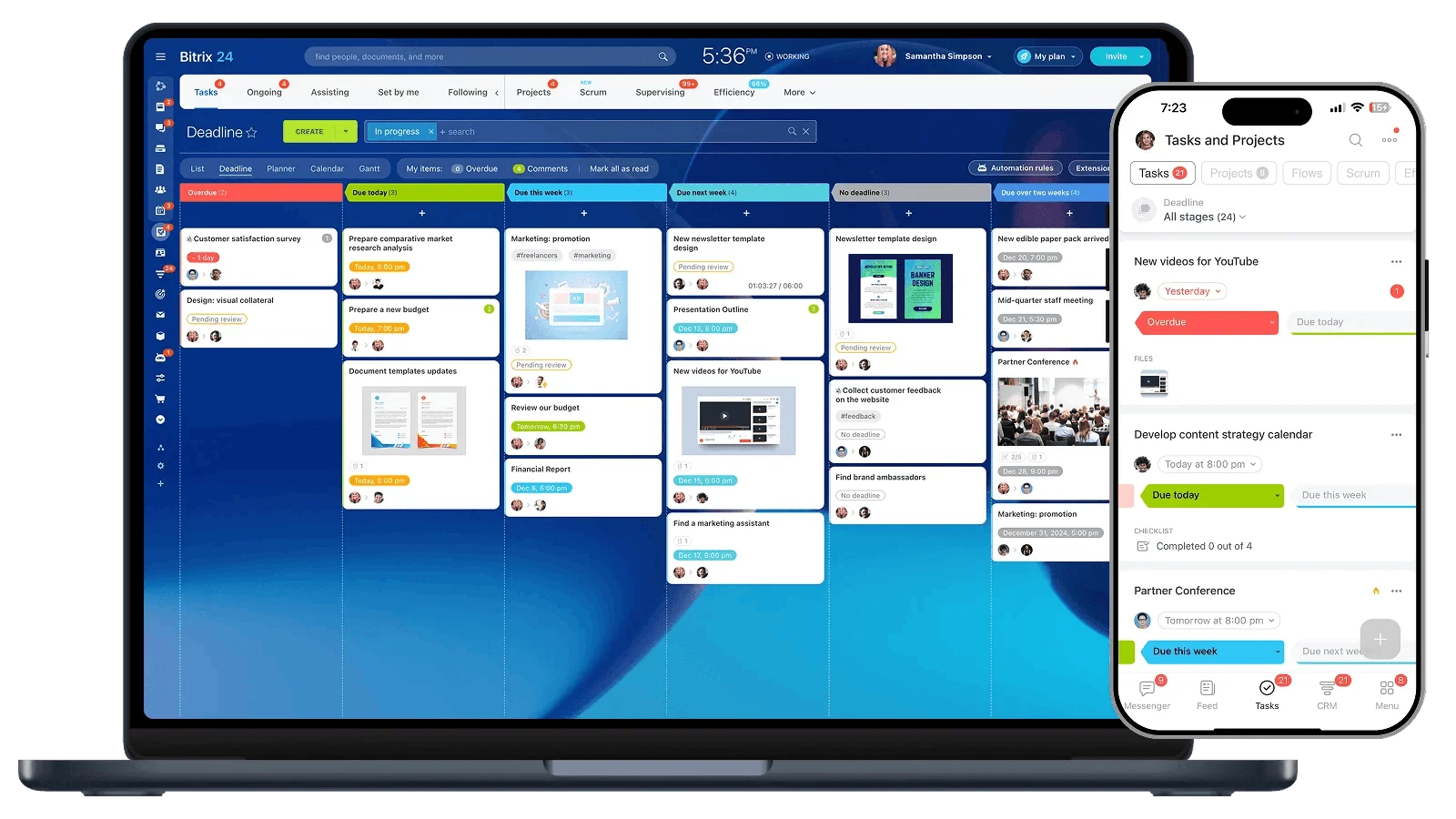
Task management made easy
Create and manage tasks of any size or complexity. Add checklists and files, assign owners and observers, and set deadlines. Flexible filters make it easy to find any task in seconds.
Built-in planning tools
Plan work your way with deadlines, My Plan, Gantt charts, and calendar slots. Or run projects with Scrum using Kanban boards and other ready-to-use tools.
Work history at a glance
Every task has its own chat, so you can see the full work history and discuss important details right away. In the task chat list, you can switch between conversations quickly and give feedback much faster.

Bitrix24 CRM
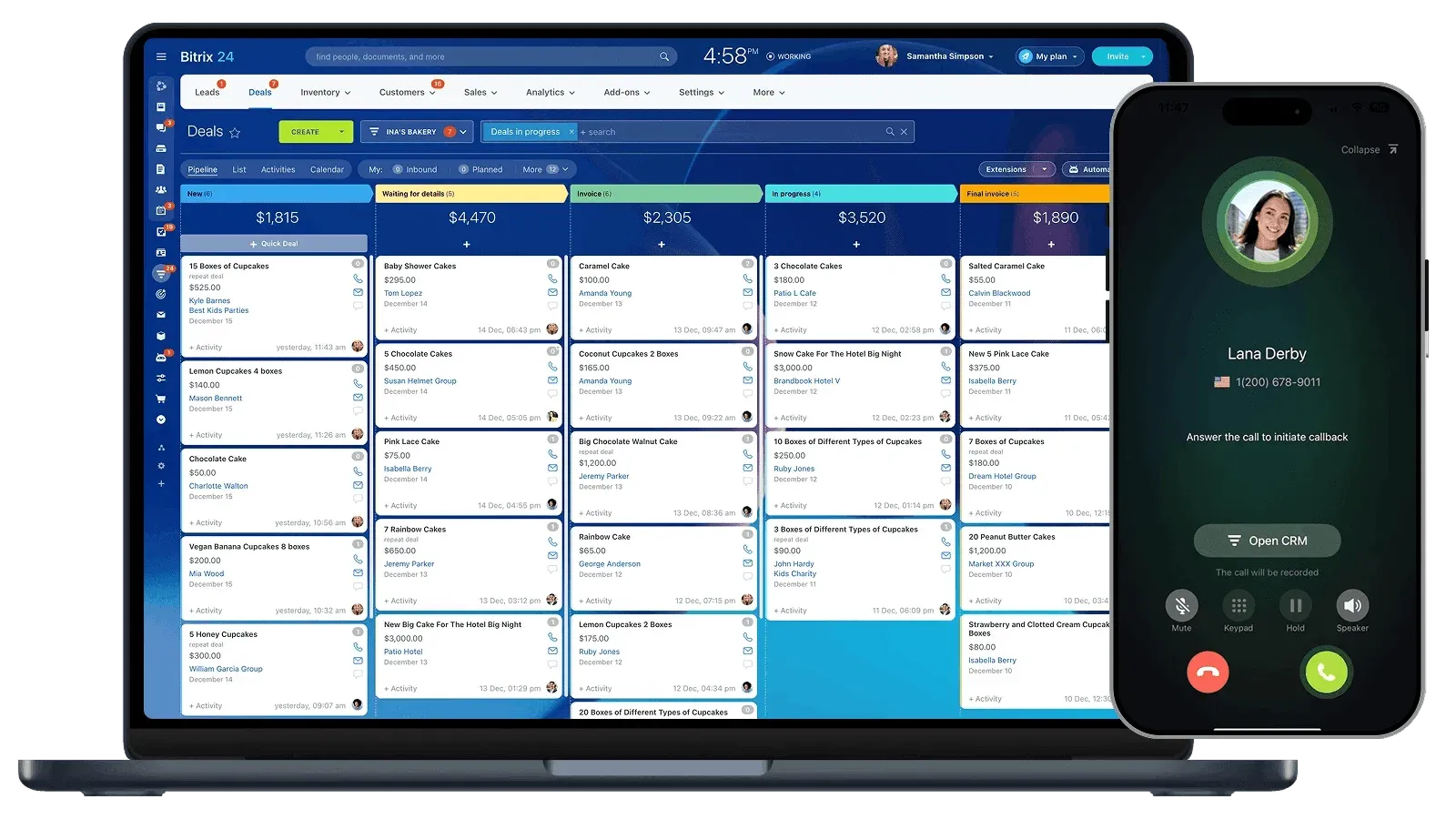
All leads and customers in one place
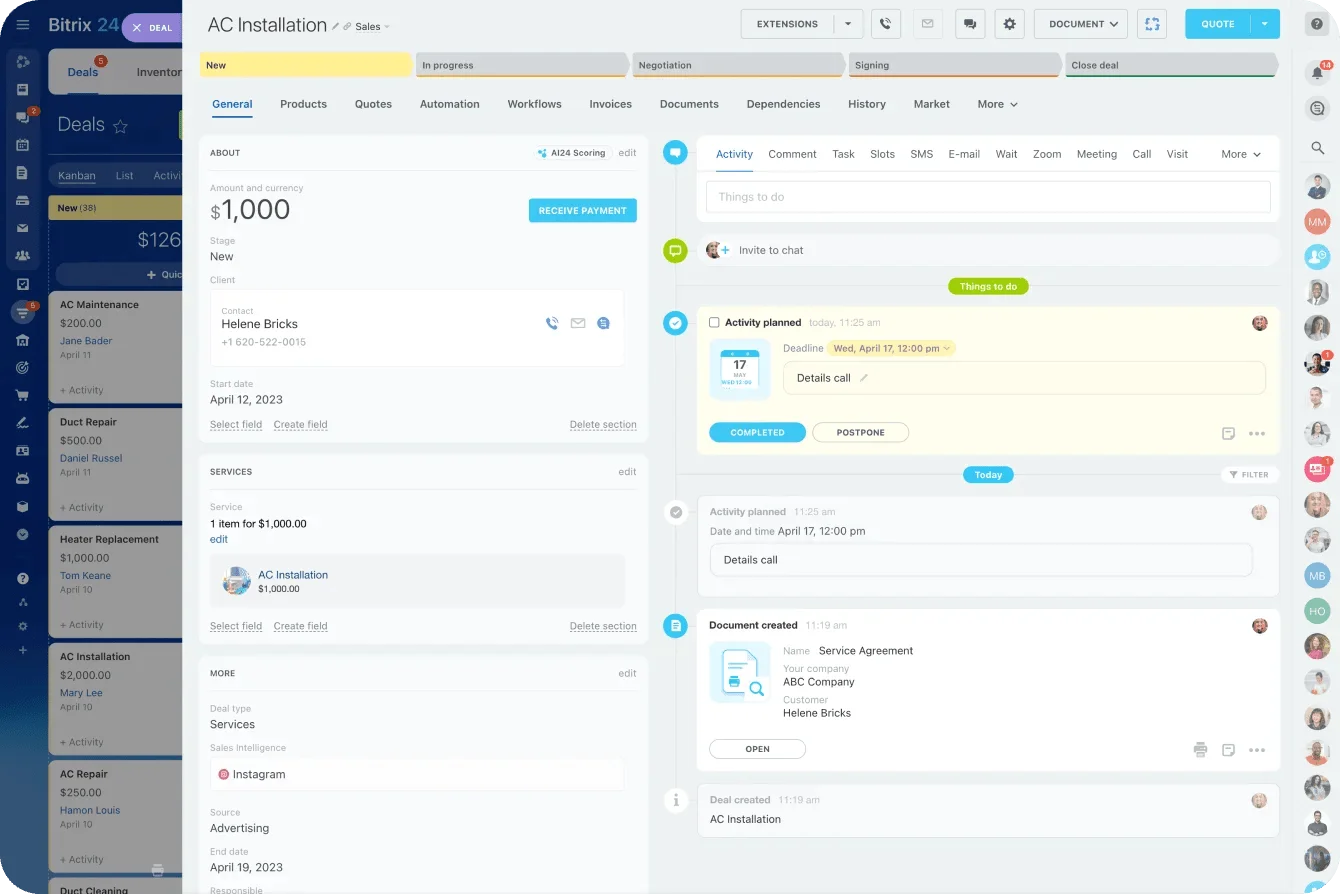
Communication history, deals, tasks, and documents are all securely stored in CRM. You always know who is working with the customer, what stage the deal is in, and what needs to happen next.
Easy for anyone to use
Your team will not need long training or complicated manuals. Everything fits naturally into the familiar Bitrix24 interface, so employees can get started fast.
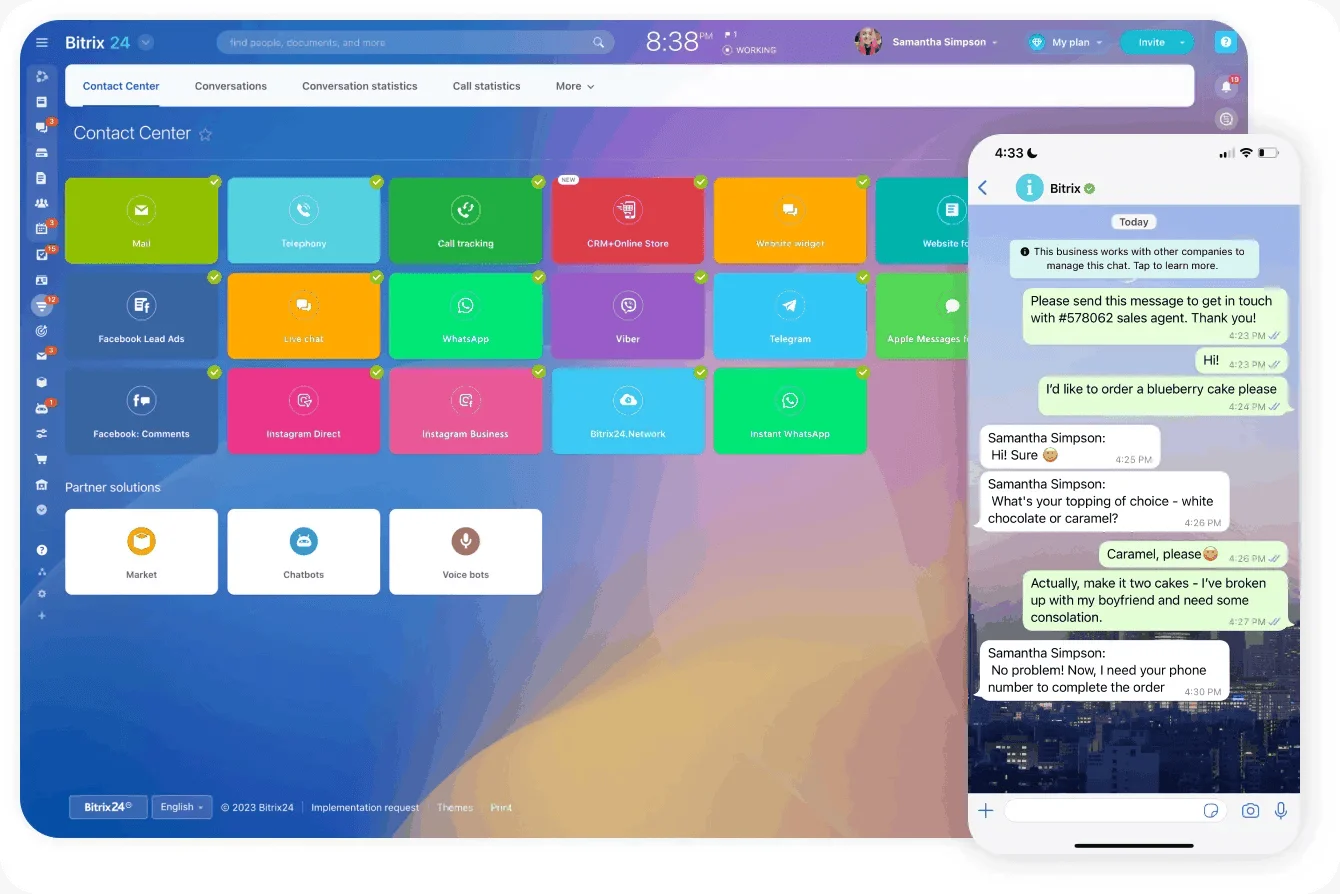
Sell wherever your customers are
Connect every sales channel to your CRM: phone, email, social media, online chat, and forms. Respond quickly no matter how customers reach out.
- All customer messages and calls go into the Contact Center, so there is no need to jump between apps.
- If a customer is already in your database, CRM recognizes them and opens their record with the full interaction history.
CRM reminders keep work moving
- See everything that needs to get done today and plan the team’s work more easily.
- Sales reps will not miss inquiries or forget to schedule the next follow-up.
- Managers can quickly check what employees are working on and whether anything is overdue.
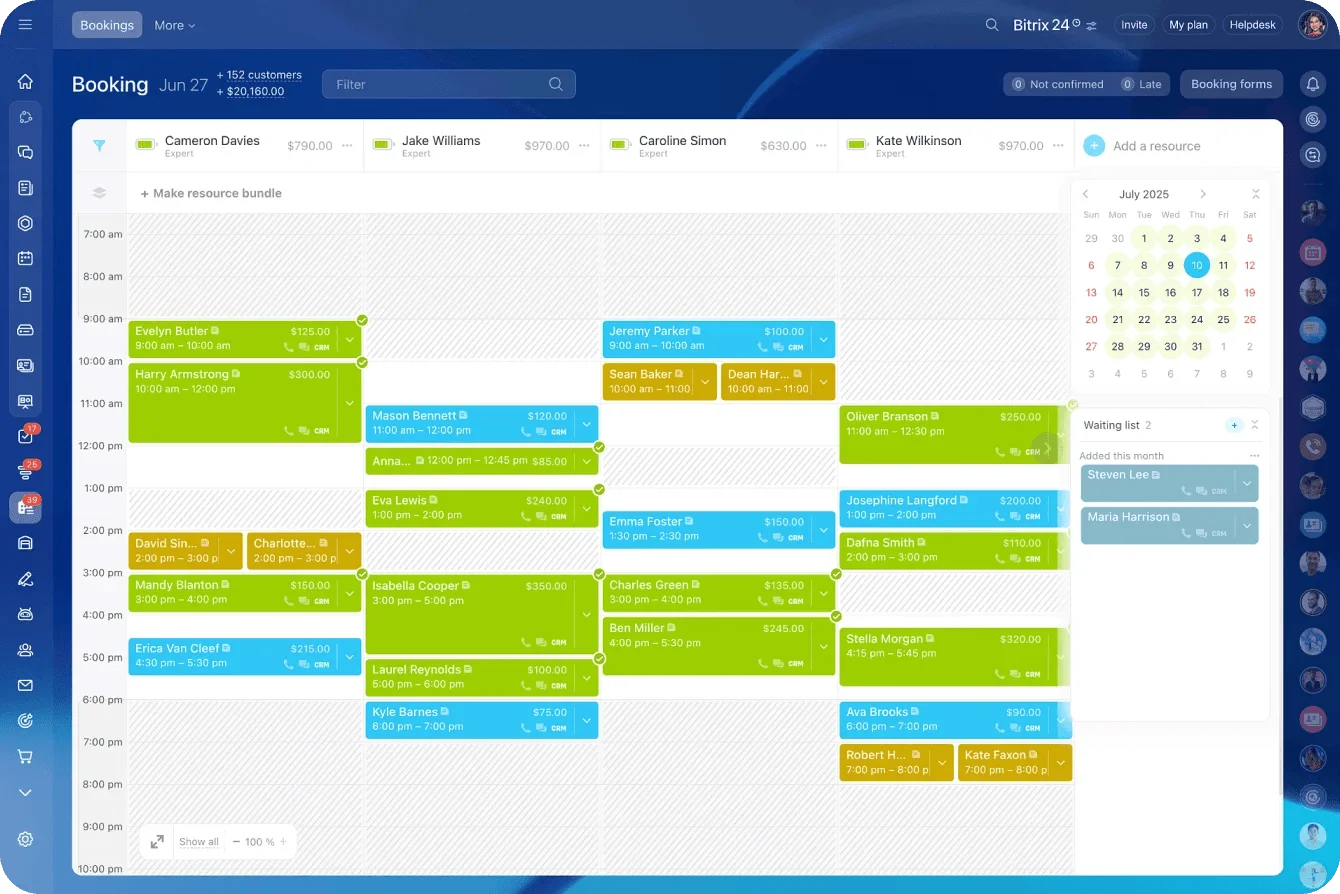
Online booking and reservation automation
Online booking in Bitrix24 automates reservations and keeps your resources fully booked.
- Add the booking form to your website, your own channels, and messenger conversations. Customers can book an appointment or reserve a resource on their own and pay right away.
- Automatic confirmations and reminders help customers remember their bookings and keep your resources from sitting idle.

Messenger
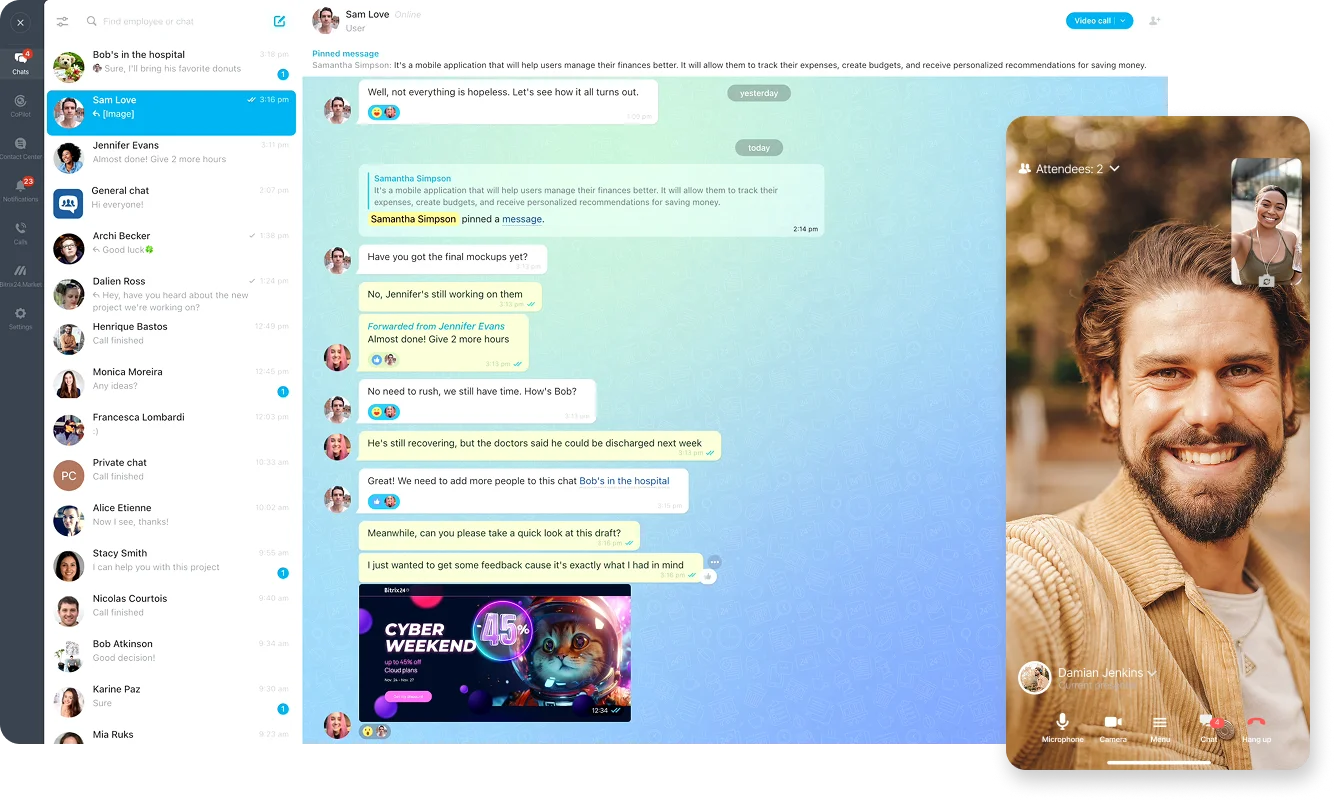
Chats
Talk through work, share files, and keep conversations moving in one-on-one and group chats. Create tasks or schedule meetings right from the chat. Send voice notes and video clips whenever it’s easier than typing. And of course, everything stays inside Bitrix24.
Video calls
Jump into HD video calls and screen sharing without the usual hassle. Unlike many other tools, Bitrix24 lets you start a call instantly and talk with your team without time limits or extra links.
Channels
Team and topic channels make it easy to share updates, run polls, and keep new hires in the loop. You can be confident your message actually gets seen.
Secure collaboration
No ads. No outsiders. Just your team. You know exactly who you’re talking to, and former employees are removed from chats automatically.

Collaboration
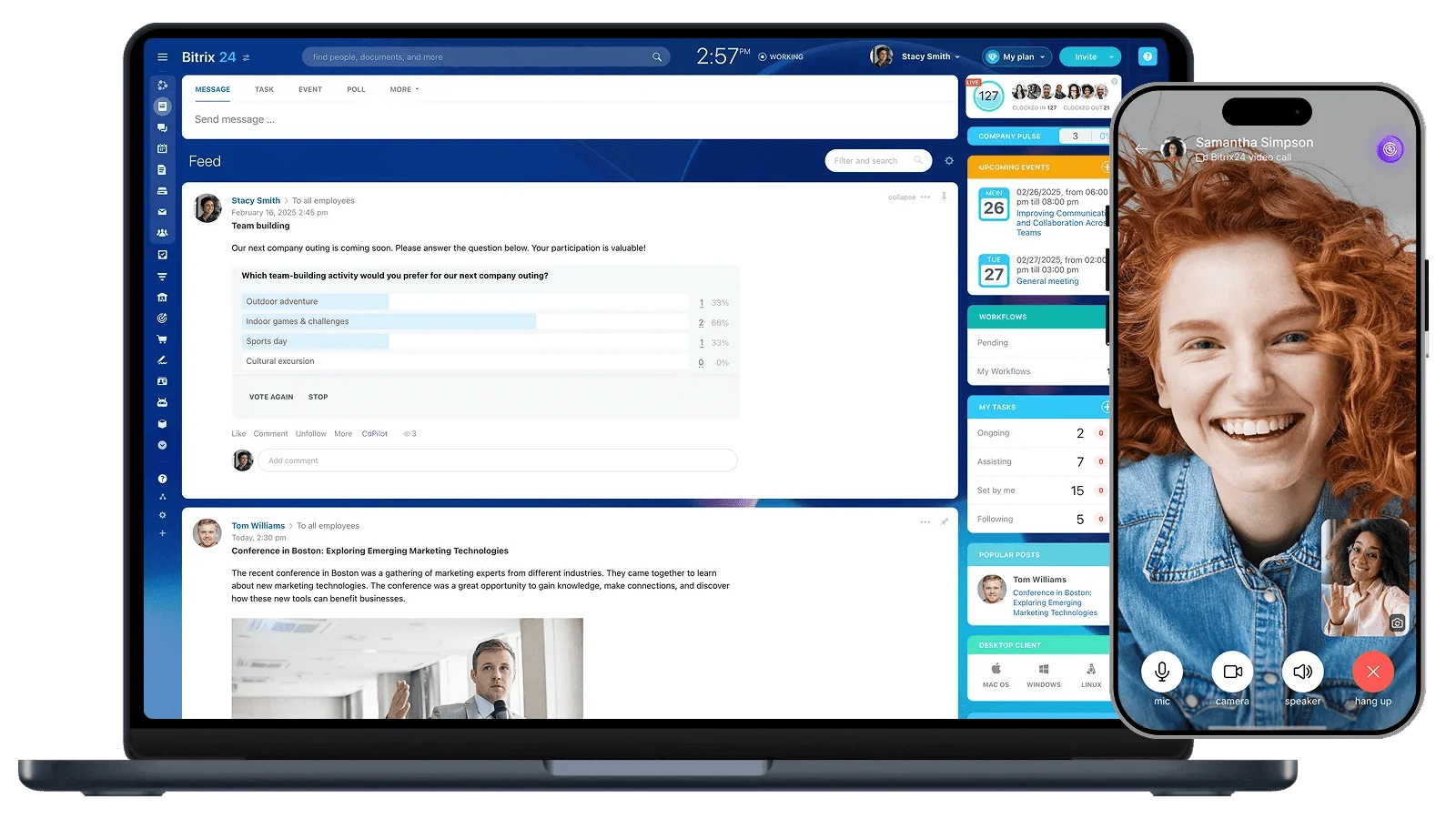
Flexible meeting scheduling in the calendar
Find a time that works for everyone with ease. Send clients and contractors a link to your calendar so they can book available time slots on their own.
Drive for secure file storage
Keep all your documents and files in one workspace, so they’re always within reach. Drive automatically syncs shared files and documents to your computer.
Online document editor
Create and edit documents, spreadsheets, and presentations with your team right inside Bitrix24. Work with files in tasks, the feed, and during video calls.
Boards help teams think together
Bring ideas, processes, and even complex concepts to life visually. Start from a template or build your own. Edit boards together, share them with colleagues or outside teams, and use them in tasks, chats, and video calls.

Automation and AI workflows
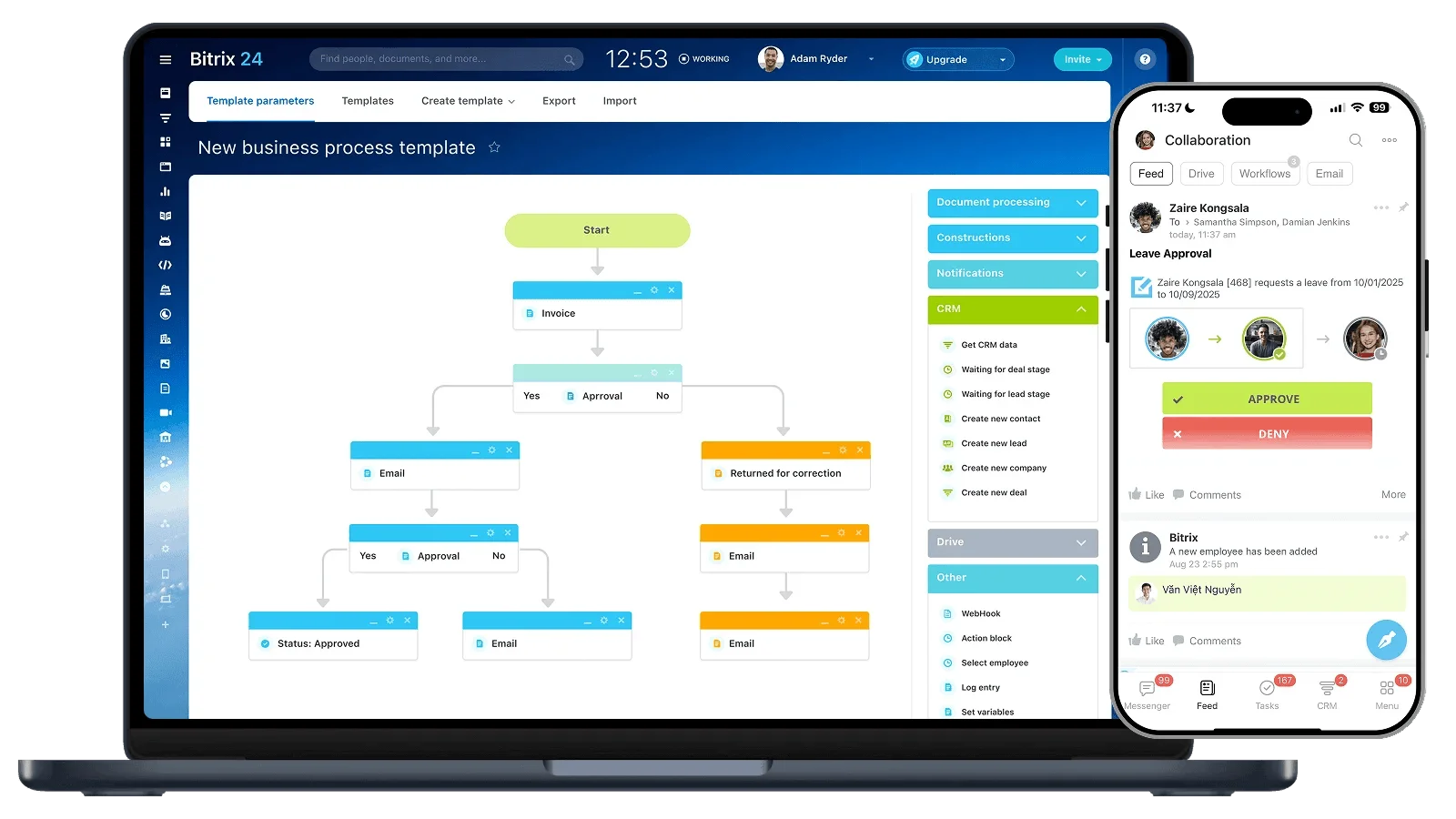
More automation. Less manual work
Get more done with less effort
Free up time from routine work
Reduce mistakes
Make work more transparent
Bitrix24 takes everyday routine work off employees’ plates.
It automatically creates recurring tasks, sends reminders and notifications, and helps people complete repetitive actions faster. The built-in AI assistant can write text, process data, and summarize documents or reports, so teams spend less time on routine work and more time on results.
At the company level, Bitrix24 helps standardize and speed up business processes.
Bitrix24 runs approvals, task assignment, workload distribution, document flow, sales, and internal operations. That makes work more transparent, reduces delays and errors, and gives managers a clearer picture for faster, better decisions
In Bitrix24, robots and AI handle more than isolated actions — they run entire workflows.
They move tasks through stages, send documents for approval, generate invoices, fill in CRM records, transcribe calls, and suggest ways to improve performance. With no-code and low-code tools plus AI agents, you can set all this up without programming and automate both internal and external operations.

Mobile app
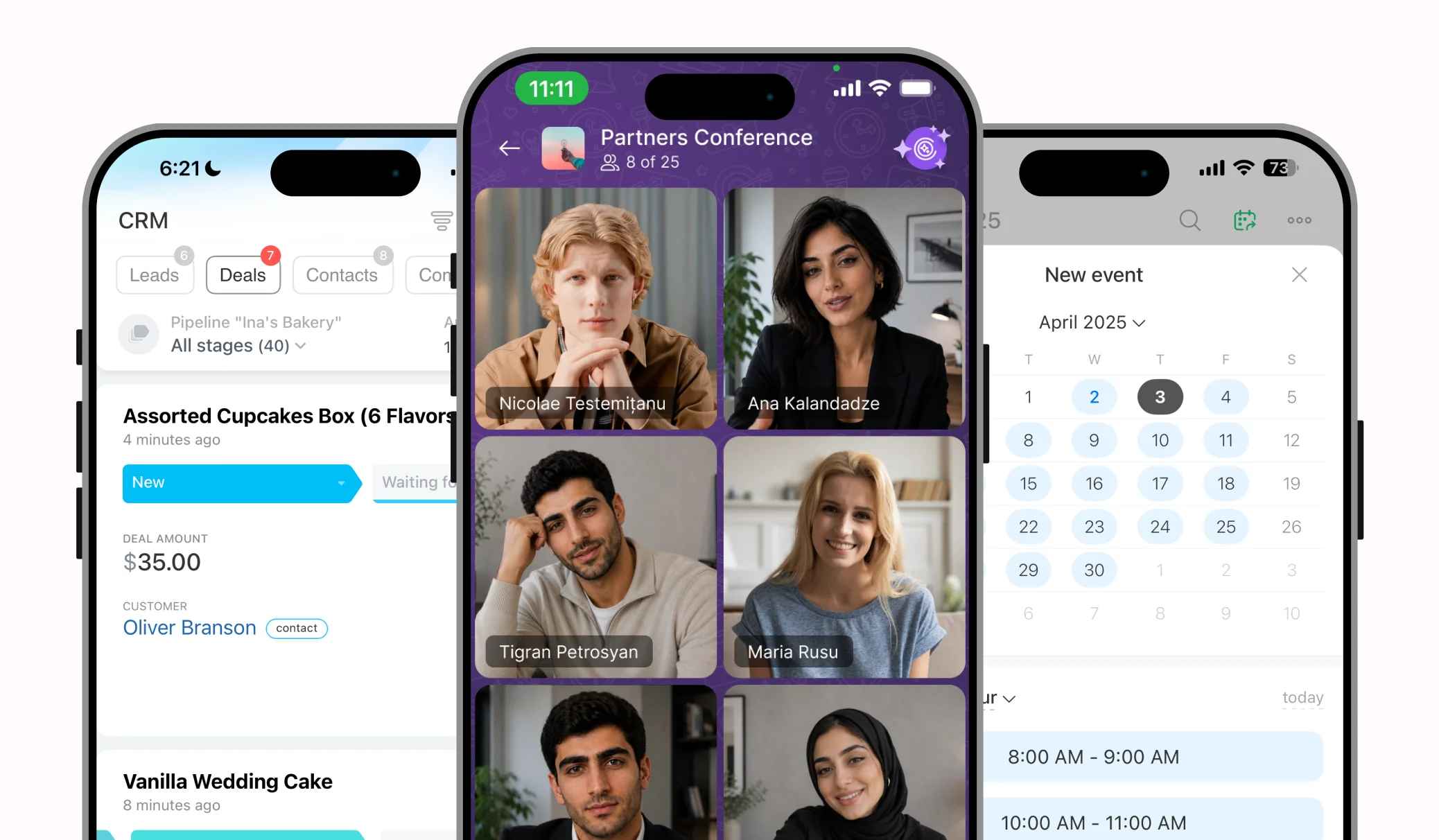
Voice and video messages in chats
No good idea gets lost, even when your hands are full. Send a quick video note or voice message to your team and keep conversations moving. End-to-end encryption protects chats and calls, so no one else can access them.
Mobile CRM
Work with CRM in the mobile app just like you would on your computer. Move customers through the pipeline, update stages, and create sales tunnels. Your deal data is always with you.
Keep tasks moving on the go
All your tasks are in your phone in an easy-to-use interface built for fast, effective teamwork. Create tasks in two taps, discuss them in real time, and open the full task card just like on desktop.

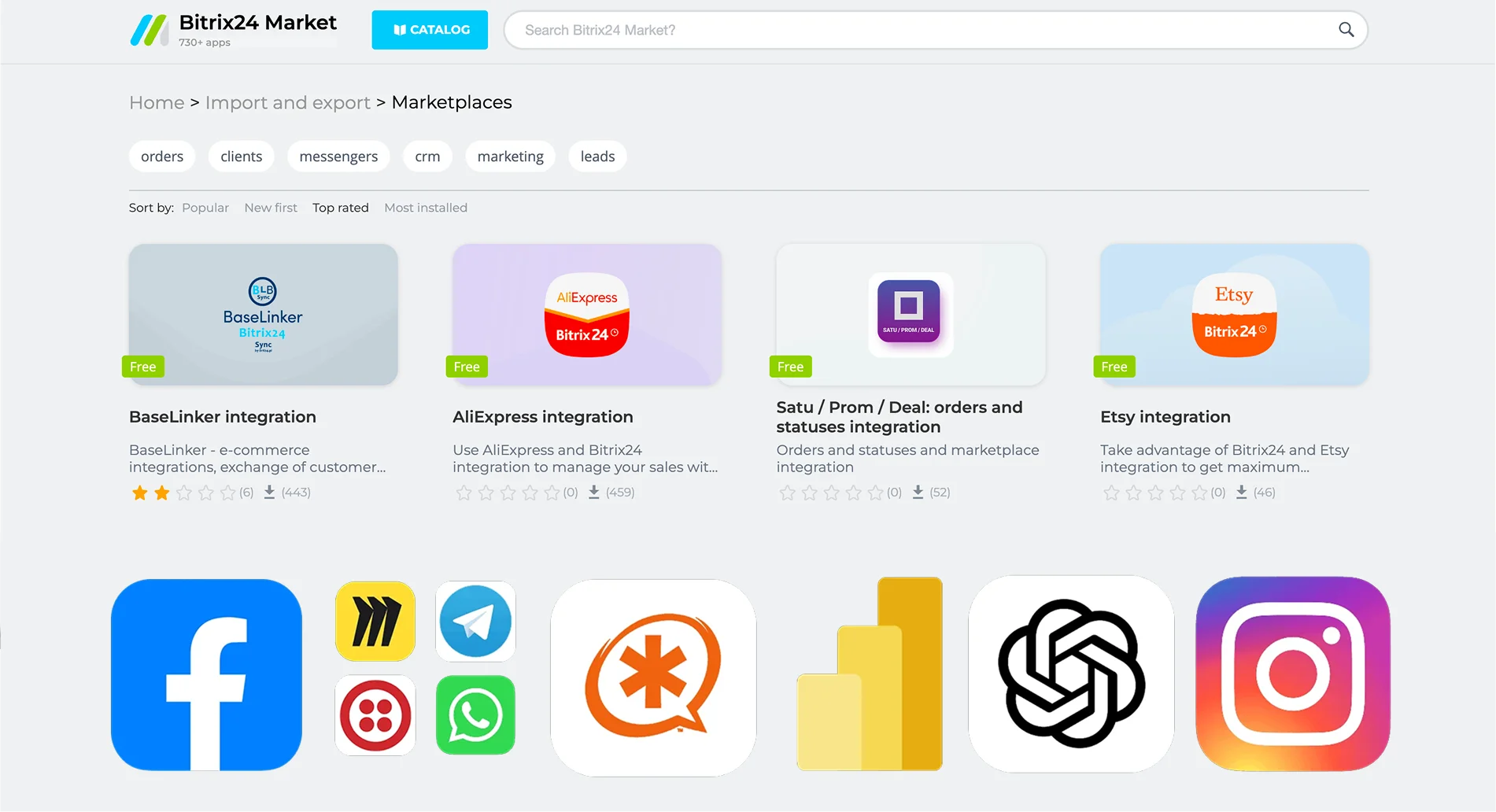
Bitrix24 integrations

On-premise edition
Install it on your company’s server or with your own provider
Customize the business logic and interface
Get more features and integrations than in the cloud version
Keep service setup under your control.
Access the source code.
Bitrix24 implementation

Bitrix24 Partners will:
Show a demo and recommend workflows tailored to your business.
Advise on plans and system capabilities.
Provide fast license delivery in local currency with no markup.
Handle implementation, setup for your needs, and offer qualified support after launch.
© MONT TECH 2026